For iPad · in private beta

Markdown.
Made for reading.

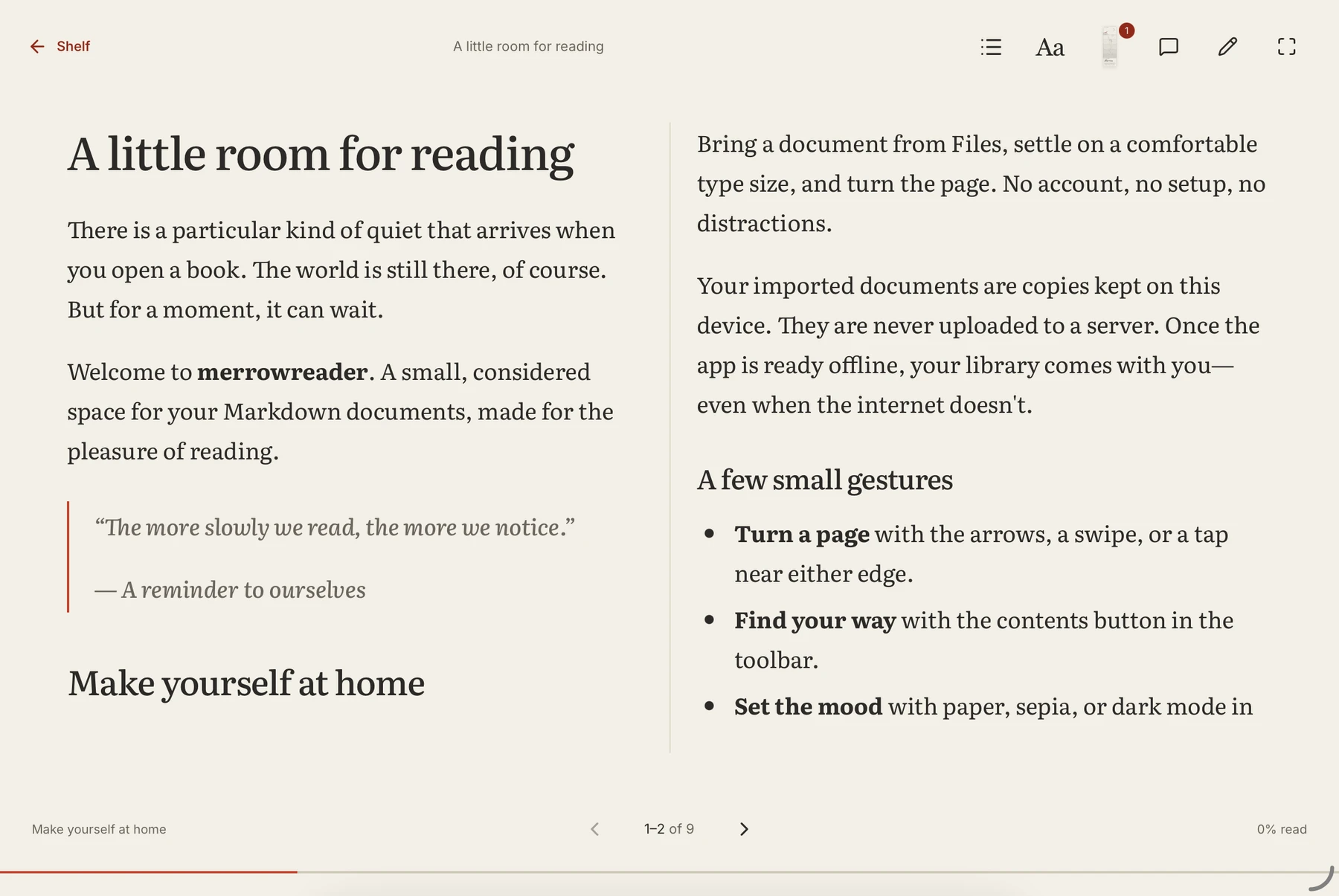
Merrow turns the markdown in your GitHub repos, and the files on your iPad, into pages you turn. Highlight, bookmark and write notes by hand. Your source stays untouched.

Merrow displaying a Markdown document as a two-page reading spread on iPad
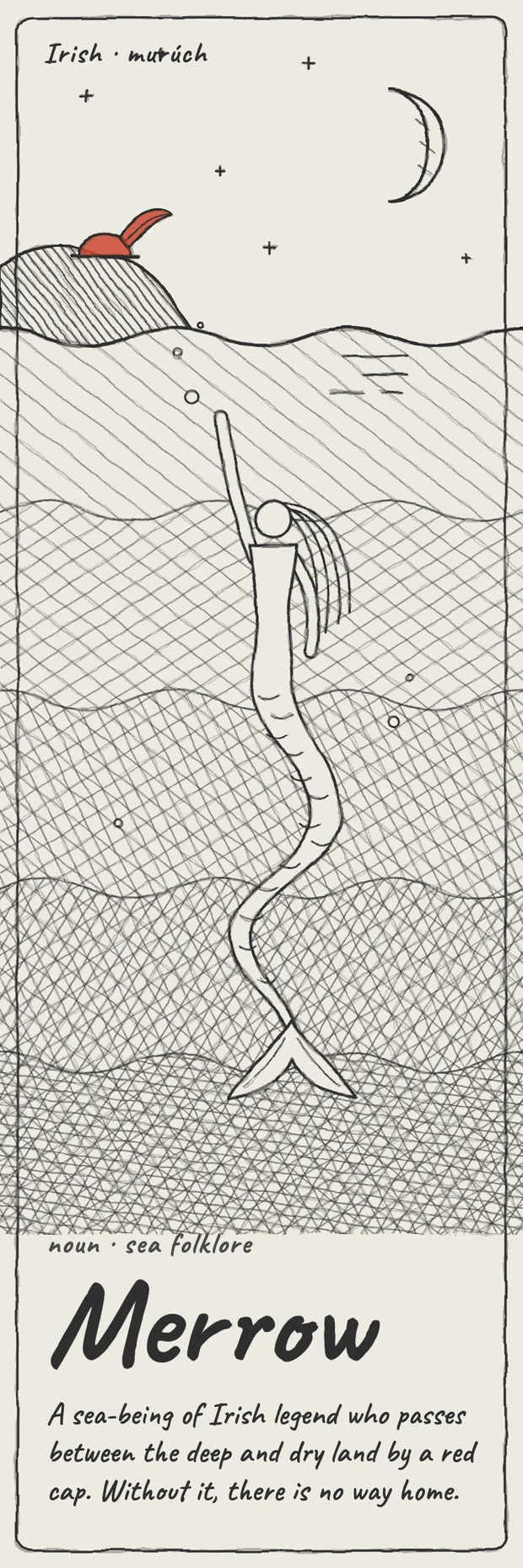
Merrow's illustrated bookmark, with a red cap, waves, and a sea-being

Designed for iPad. Currently in development.

A LITTLE CHANGE OF PACE

Same words.
A different way to read.

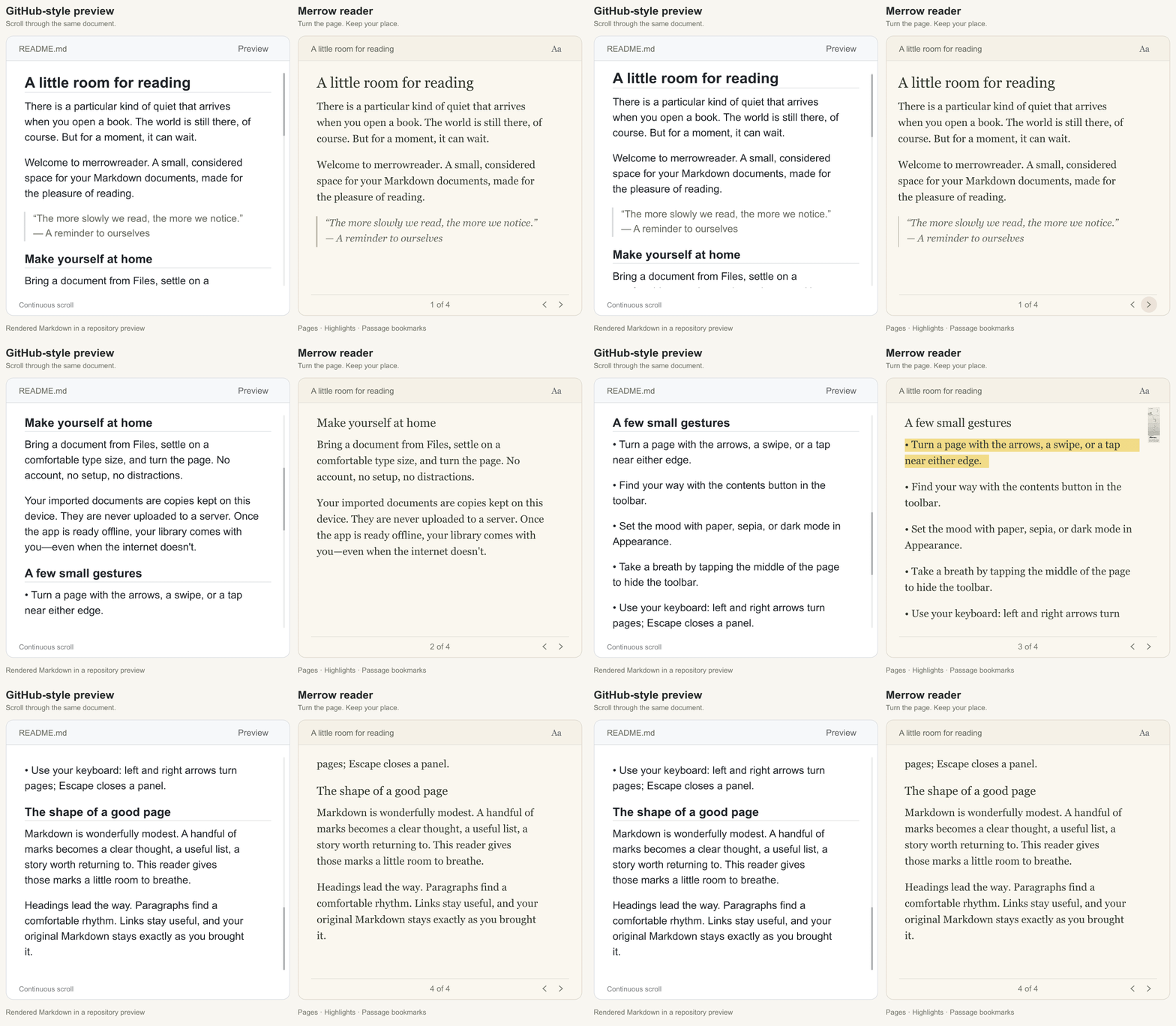
One longer document. Continuous scrolling in a repository preview, four pages in Merrow.

Animated illustrated comparison of the same Markdown: the GitHub-style preview scrolls continuously while Merrow moves through four numbered pages, with a highlight and passage bookmark.
Looping illustrated comparison · Same Markdown in both views.
Download GIF

THE PLEASURE OF A GOOD PAGE

Less scrolling.
More reading.

Settle into a document. Turn a page. Let the rest of the screen fall away.

Comfortable type, considered margins, and single pages or a two-page spread. Make a long read feel a little less like work.

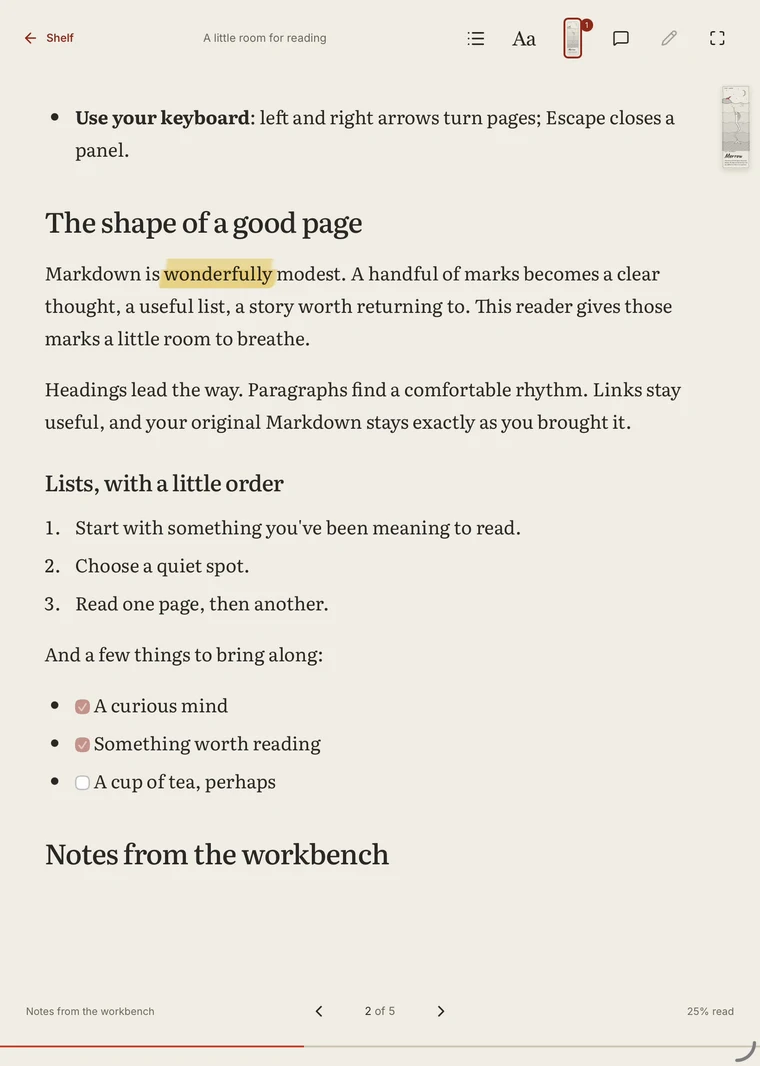
A preview of Merrow’s reading themes.

Paper theme in Merrow with a yellow passage highlight
A page for every kind of light.
The original Merrow bookmark illustration: a red cap above the waves and a sea-being below, with the handwritten Merrow name

FIND YOUR WAY BACK

Some places
are worth
keeping.

A bookmark with a story of its own.
And a place in yours.

Merrow’s illustrated bookmark marks a passage, not just a page number. Change your type size or turn your iPad. Your way back stays with the words.

A familiar little companion.
Now, a digital bookmark.

MAKE IT YOURS

Read. Notice.
Leave a thought.

A good document gives you something to think about.
Merrow gives you somewhere to put it.

01 / IN YOUR WORDS

Keep the thought.
Mark the passage.

Warm highlights. A quiet underline. A note for later. All kept with the passage that inspired them.

A LITTLE ROOM FOR READING

Markdown is wonderfully modest. A handful of marks becomes a clear thought, a useful list, a story worth returning to.

A little room to think.Illustration of a passage note

Your source stays untouched.
02 / IN YOUR HAND

Sometimes,
a Pencil says it best.

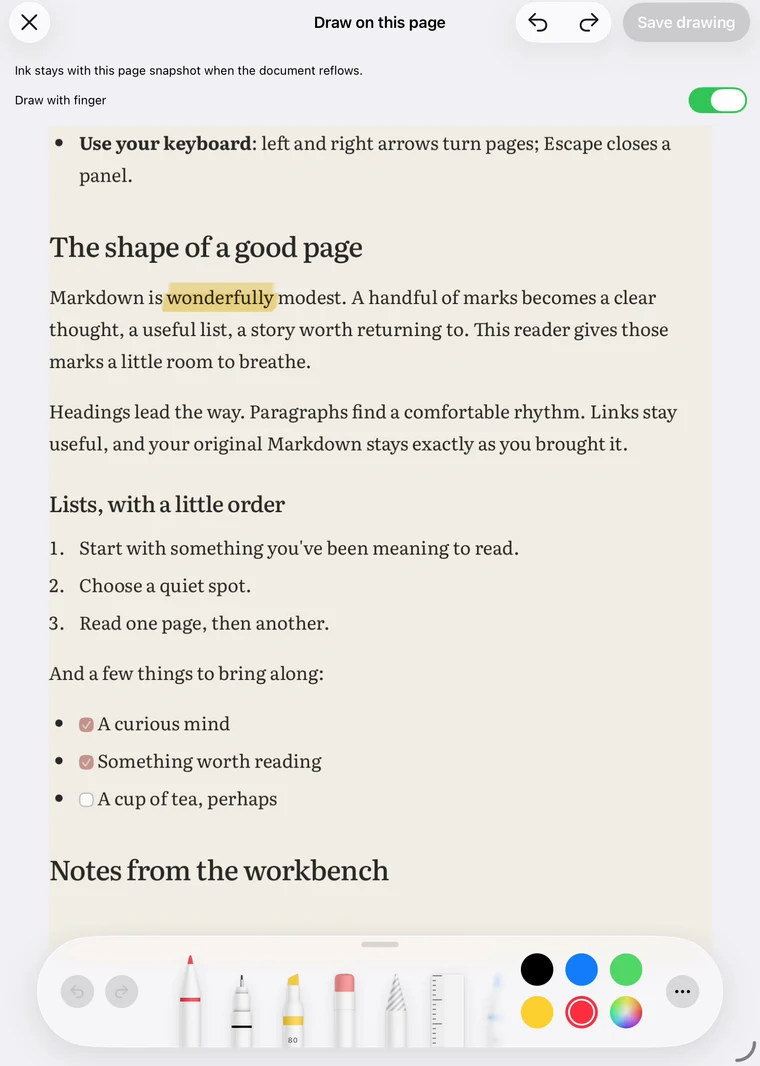
Write a passage note or mark up a saved page snapshot with Apple Pencil. Reopen it when the next thought comes.

Merrow's native page drawing canvas, with pen, highlighter, eraser, and color tools

Native PencilKit canvas in the iPad app.

FROM REPOSITORY TO READING CHAIR

Your GitHub docs.
A new perspective.

Architecture notes. Project specs.
The README you meant to finish.

Open Markdown from a repository, save a copy for offline reading, and sync when you’re ready. Your reading can move at your pace.

Public repositories need no sign-in.
Connect GitHub for selected private repositories.

a library already yours
  your-project main
docs
md architecture.md
md getting-started.md
md README.md
Saved for a quieter moment.
Illustrative repository. Your files, branches, and reading choices stay yours.

Away from Wi-Fi.

Saved documents, bookmarks, and notes come along offline.

Ready when you are.

Refresh GitHub copies with an explicit sync. Keep reading in between.

Still your Markdown.

Your personal reading marks live separately from the source.

A MOMENT WITH MERROW

See how
reading feels.

From opening a document to finding your way back. A small tour of the working iPad app.

Actual app footage. Sample document. No audio.

QUESTIONS

Before you
settle in.

When can I get Merrow?

Merrow is currently in development. A free, invitation-only TestFlight beta is underway before its App Store release. This website is a preview; there is no public download yet.

What is the planned price?

The current launch plan is a seven-day trial followed by a $7.99 one-time unlock, with no subscription or automatic charge at the end of the trial. Final availability and local pricing will be confirmed at launch.

Do I need a GitHub account?

No account is needed to import local Markdown files or browse public repositories. Connecting a GitHub account enables access to selected private repositories.

Can I read without an internet connection?

Yes. Imported documents and explicitly saved GitHub copies are available offline, along with their personal bookmarks and annotations. Connecting to GitHub, fetching new documents, and syncing revisions require a connection.

Does Merrow change my source files?

Merrow currently reads Markdown and keeps annotations separately. Local imports are copies, and GitHub access is read-only. Pencil page drawings retain their original snapshots as the live text reflows.

YOUR WORDS. A LITTLE MORE ROOM.

A quieter way
to read.

A moment with Merrow

Working iPad app · Sample document · 33 seconds · No audio